User Manual Dashboard
- Dashboard
- Customers
- Providers
- Scheduling
- Accounting
- Post Operations
- Organization

View Tasks
Step 1
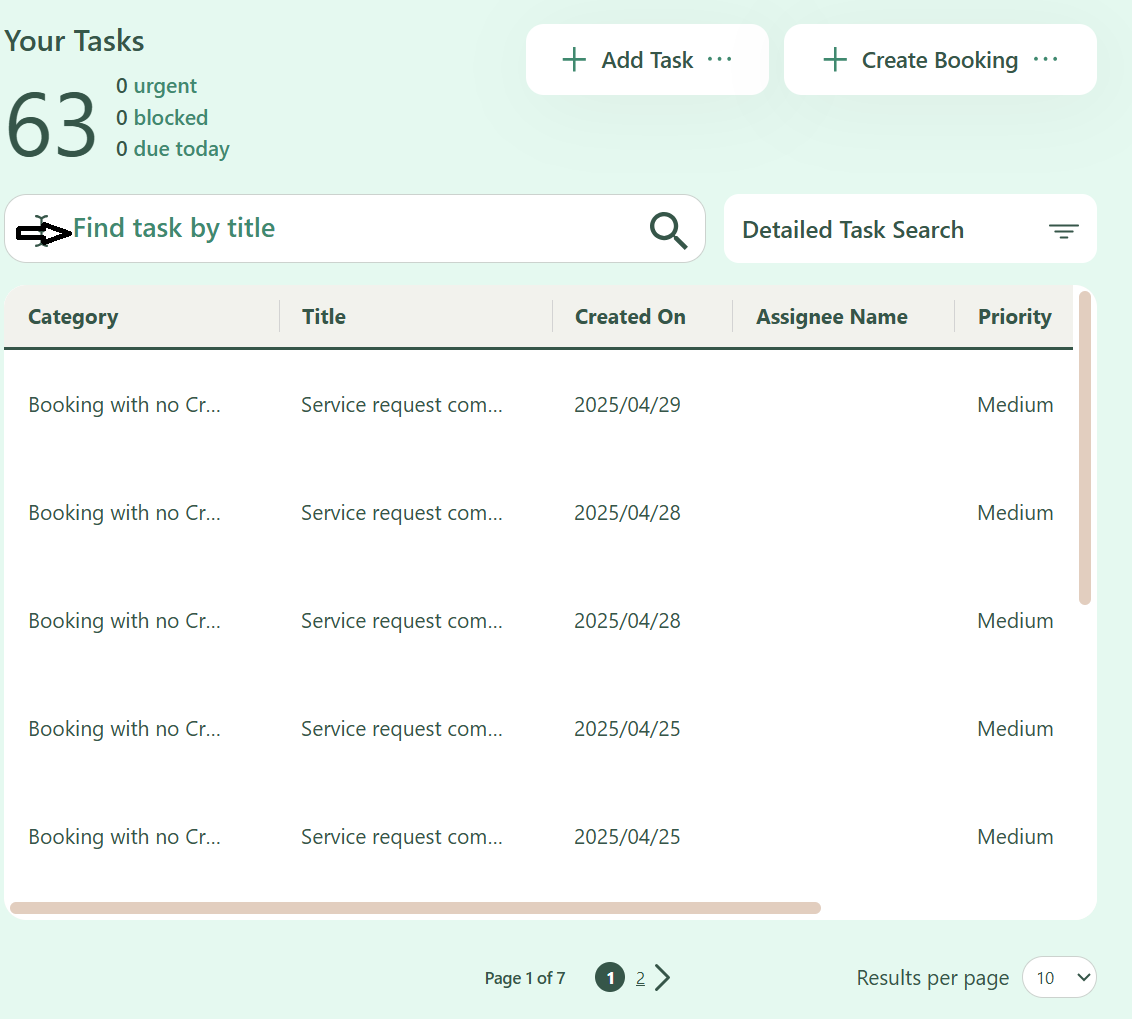
Users can efficiently search for specific tasks by entering the task name or a portion of the task name into the Search Box located at the top of the screen. As users type, the system dynamically filters and displays matching tasks, allowing for quick access and management.
Tips for Effective Search:
- Partial entries are accepted - typing part of the task name will still return relevant results.
- The search is not case-sensitive - uppercase and lowercase letters are treated the same.
- If multiple tasks share similar names, all related results will be listed for easy selection.
This functionality helps streamline task management and enhances navigation within the system.